
New Feature: Presets - Faster, Smarter Batting at HiTZ
22 Jul 2026

Available now in training mode, Presets allows you to pre-save your favourite bowling scenarios so you can jump straight into focused, game-realistic practice every time you step up to the console.
How It Works
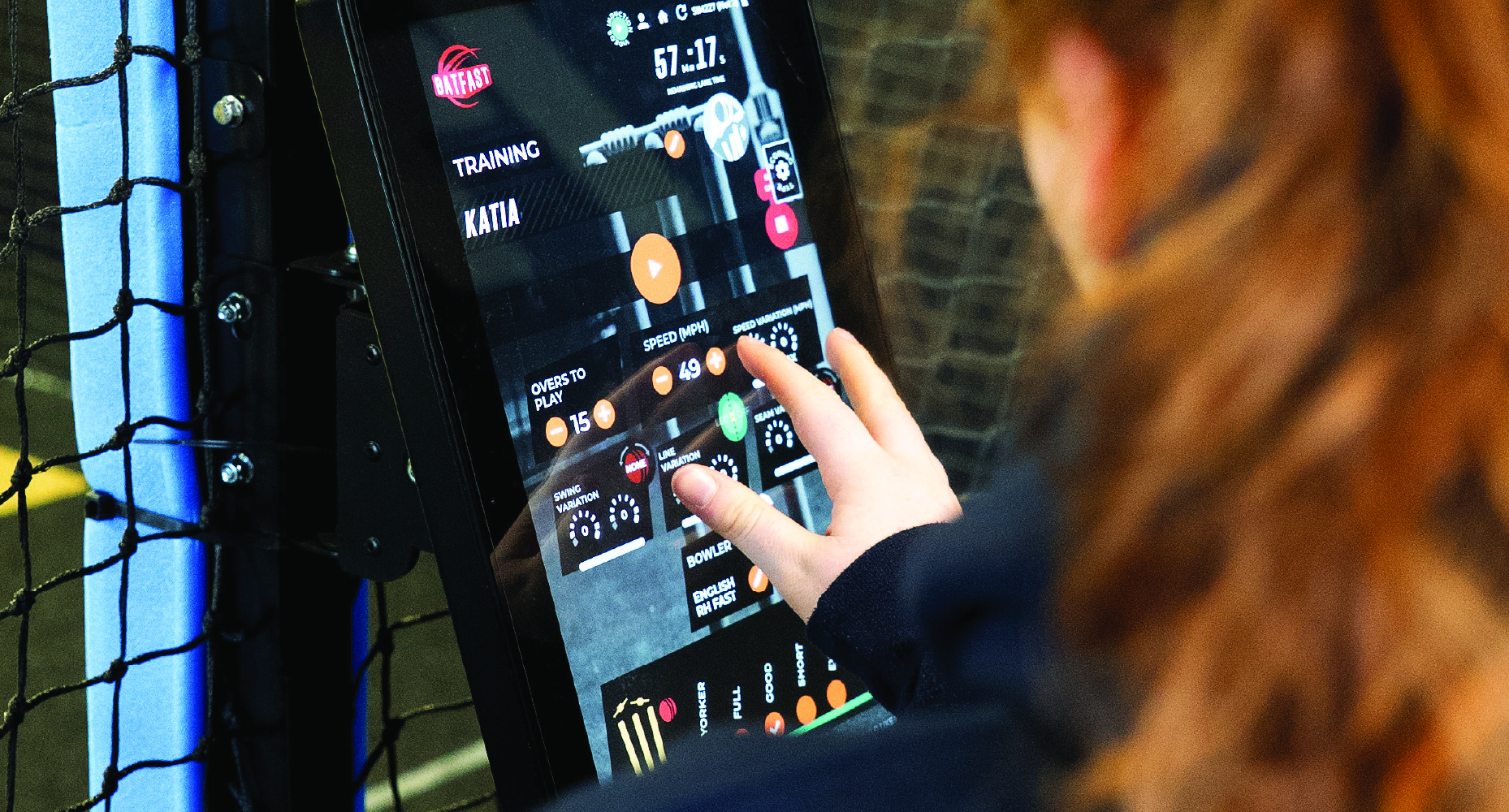
Head to your HiTZ console and look to the top right-hand corner of the screen, where you'll find the new Presets box. First time using the feature? You'll start with a blank slate — simply tap Create Presets to begin.
From there, you're taken to a familiar setup screen featuring the pitch map and field placements. Click onto the wicket as you normally would, and start building your scenario: choose your length, line, speed, and select swing, seam, or spin depending on the bowler you're facing. Add one of our fielding settings to complete the picture, then give your preset a name that makes sense to you.
You can repeat this process to save up to six presets at any one time — and they'll be waiting for you every time you return to HiTZ.
Why It Matters
The benefit of Presets is twofold.
From a training perspective, you can now recreate specific game situations with precision. Take our example: an opening batter facing the opposition's new-ball bowler. The preset reflects that early-innings speed, a wide variance of deliveries you'd typically expect up top, and the T20 Attacking field to match the scenario. It's about training with purpose — replicating the exact moments you'll face out in the middle.
From an operational standpoint, Presets speeds up the start of your session. Less time spent setting up deliveries means more time facing balls and getting real value out of every visit to the nets.
Getting Started
Once you're happy with your preset, hit Save and you'll see it appear on your home screen. Set your overs, select your saved scenario, and hit play — it's that simple.
We hope you enjoy this new addition to the HiTZ experience. See you at the nets!